

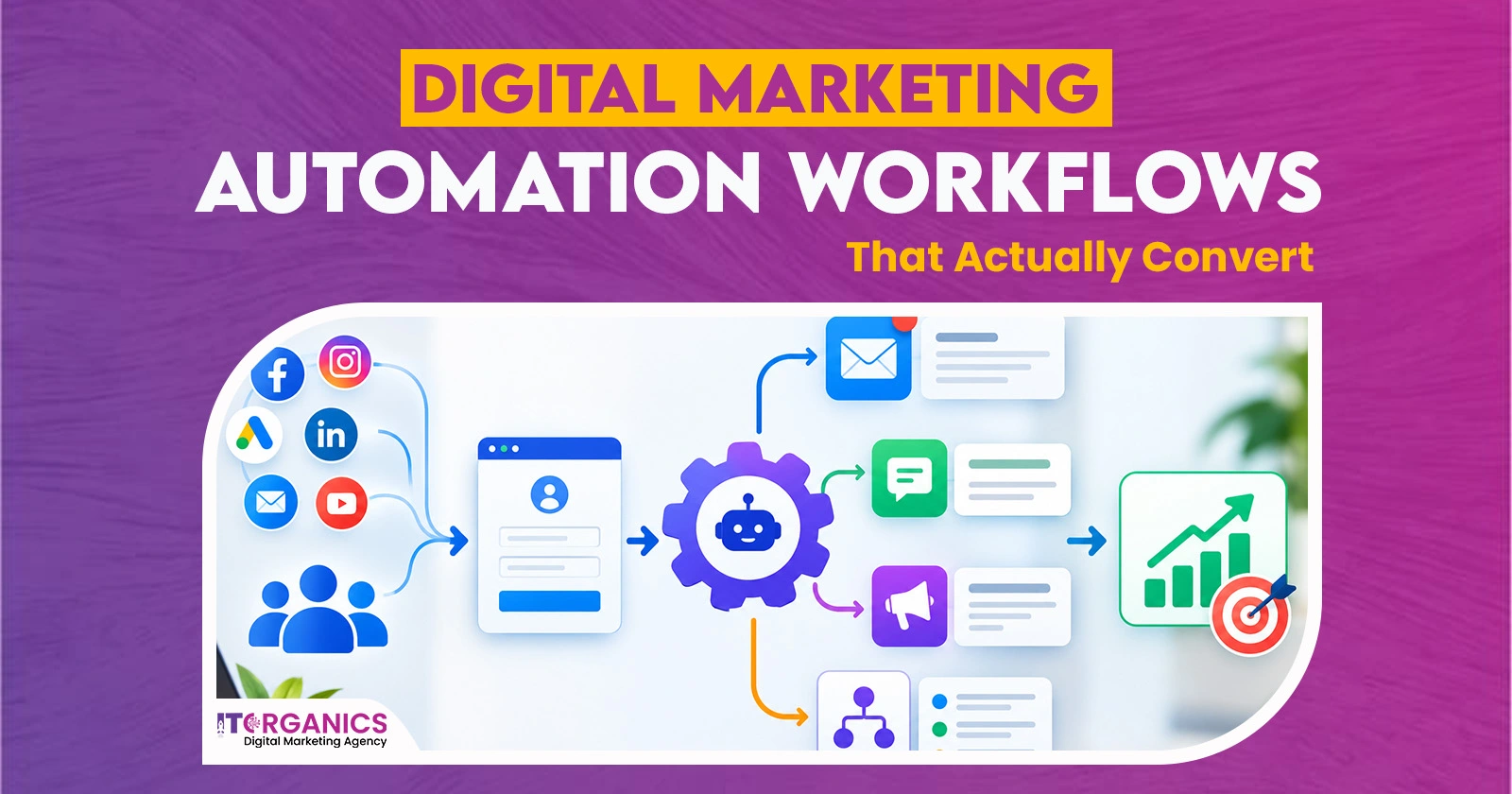
You set up a few emails. You hit “activate.” Then you wait for leads to roll in. Nothing happens.
This is common. Many teams treat marketing automation as a “send and forget” tool. That is the problem. Good automation feels like a helpful person, not a robot.
IT ORGANICS LLC develops each stage of work starting from welcome emails up to lead nurturing with a certain rationale in mind. They monitor outcomes and improve their processes on a regular basis. Hence, at the finish of the day they get simple results: less manual workload, better quality leads, more sales.
What Is Marketing Automation?
Marketing automation means using software to send the right message at the right time. You set a trigger. The tool does the rest.
A trigger can be a form fill, a click, a purchase, or even silence. When it fires, the system sends an email, updates a contact, or alerts your sales team.
It saves hours every week. But saving time is not the main goal. The real goal is better timing. A lead who gets a useful message within minutes is far more likely to reply than one who waits three days.
Why Most Workflows Fail to Convert
Most workflows fail for simple reasons. They are too generic. They are too long. Or they have no clear goal.
Think about your own inbox. You ignore emails that start with “Dear Customer.” You also ignore five emails in five days from a brand you barely know.
Many teams also build flows around what they want to say, not what the buyer needs. A strong marketing automation plan starts with the buyer’s questions. Every step should answer one. If a message does not help the reader move forward, remove it.
Start With a Simple Buyer Map
Before you open any tool, map your customer journey. Keep it simple. Write down four stages: aware, interested, deciding, and loyal.
Next, list what a person needs at each stage. An aware visitor needs a quick intro. A deciding buyer needs proof, like reviews or case studies.
Then match one workflow to each stage. This gives every email a job. It also stops you from sending a sales pitch to someone who just met you.
Five Workflows That Actually Convert
These five flows give the best results for small and mid-sized teams.
1. The Welcome Series
New subscribers are most interested on day one. Send a short welcome within minutes. Say who you are, what they will get, and one easy next step.
Follow up with two more emails over a week. Share your best blog post or a simple tip. Keep it useful.
This flow often gets the highest open rates of any workflow. Good email automation lets you build it once and run it for years.
2. The Lead Warm-Up Sequence
Lead nurturing turns cold contacts into ready buyers. Start the flow when someone downloads a guide or joins a webinar.
Send three to five emails over two weeks. Each one should solve a small problem. Share a checklist, a short story, or a client result. Then invite them to book a call.
Use a lead score to know when to stop emailing and let sales step in. Good timing matters more than sending more emails.
3. The Abandoned Cart or Inquiry Follow-Up
Someone adds a product to the cart and leaves. Or they start a contact form and quit. Both are warm leads.
Send a gentle reminder within one hour. Show the product or service they viewed. Add a short line like “Need help deciding?”
Send a second message after 24 hours. Include a review or a small offer. Do not push hard. A calm nudge works better than pressure.
4. The Re-Engagement Flow
Some contacts go quiet. Do not delete them yet. Send a “we miss you” email after 60 or 90 days of no activity.
Ask a simple question, like which topics they want to hear about. Offer something helpful, not just a discount.
If they still do not respond after two tries, remove them. A clean list improves your sender reputation and your results.
5. The Post-Purchase Flow
The sale is not the end. Send a thank-you email right after the order. A week later, share tips on how to use the product. After two weeks, ask for a review.
This flow builds trust. It also leads to repeat sales and referrals. Happy customers are the cheapest source of new leads.
Setting Up Workflows in HubSpot
HubSpot connects marketing, sales, and service in one place. Its HubSpot workflows tool starts with a trigger, such as a form submission or a page visit.
Then you add actions. Send an email, update a contact property, create a task, or assign the lead to a rep.
Use if/then branches to split paths. For example, send one email to people who clicked and a different one to people who did not.
Start small. Build one workflow, test it, and then expand. HubSpot’s reports show which steps lose people.
Setting Up Flows in Mailchimp
Mailchimp is a good fit for small teams and online stores. It comes with ready-made flows for welcome emails, abandoned carts, birthdays, and post-purchase follow-ups.
Pick a template. Then edit the copy, timing, and audience. Use tags and segments to send the right email to the right group.
Good Mailchimp automation does not need a big budget or a big team. You can launch your first flow in an afternoon.
Always send yourself a test email first. Check the links, the subject line, and how it looks on a phone.
How to Automate Without Losing Personalization
Automation can feel cold when every email sounds the same. The fix is simple. Use data and keep people involved.
Use Real Data, Not Just First Names
A first name does not say anything about the person. What website did he visit? What did the visitor buy? Which button did they click?
Make adjustments to the content. If using Mailchimp, adopt merge tags and dynamic content. In case using HubSpot, personalized tokens and smart content should be used. Be sure to add the right branches to your HubSpot workflows.
Keep Human Touchpoints
Let software handle the routine. Let people handle the moments that matter.
When a lead replies, pause the workflow. Create a task so a real person can answer. Send emails from a real name, not “no-reply.” Write as if you are talking to one person, and use “you” often.
Metrics to Track
You cannot fix what you do not measure. Watch these numbers every month:
- Open rate shows if your subject line works.
- Click rate shows if your content is useful.
- Conversion rate shows if the workflow does its job.
- Unsubscribes and replies show how people feel.
Final Words
Building workflows that convert takes planning, clear writing, and steady testing. Many businesses do not have the time for all three.
This is also where IT ORGANICS LLC comes into play. The team assists the clients in creating a marketing automation plan that suits their needs and goals. They set the flow in different applications, like HubSpot and Mailchimp. They also create content and let the messages sound natural and personal.
FAQs
How many emails should a workflow have?
Most flows work well with three to five emails. Keep each one short and useful. Stop the flow when the person buys or replies.
Can automated emails still feel personal?
Yes. Use behavior data, segments, and a real sender name. Write in a warm, plain voice. Let a person step in when a lead replies.
How long does it take to see results?
Welcome and cart flows can show results in a few weeks. Longer flows may need two or three months. Keep testing and improving.